Right-click. Collect.
Instant collection from the Explorer context menu.


 Asset management powerhouse.
Grab a project. Gather more. Drop to collect.
A simulated report for this sample batch.
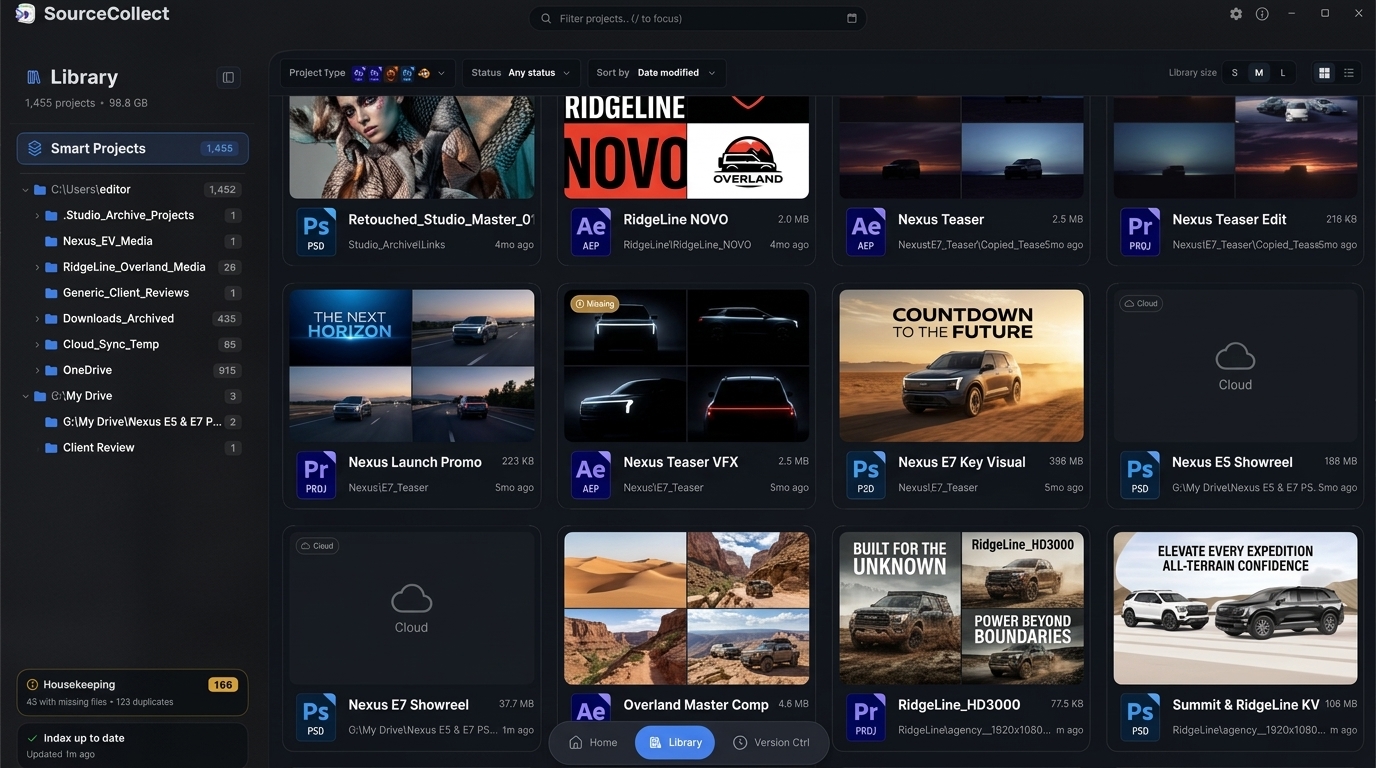
From the first inspection to the final archive, SourceCollect works directly with your projects and the files they depend on.
No creative apps to launch. No opening projects one by one. Collect, inspect, reduce and clean up in batches, with a fast, lightweight workspace always within reach.
Start from your files, your keyboard, or your library. Bring one project or a whole batch.
Instant collection from the Explorer context menu.
Bring up SourceCollect without leaving what you’re doing.
Drag projects from Explorer straight into the drop overlay.
Select your projects and start the next job right there.
Collect projects, footage and fonts into a handoff that keeps the whole picture intact.
After Effects, Photoshop and Premiere Pro fonts, included.
One batch. One copy of each shared asset.
Nested projects and their dependencies come too.
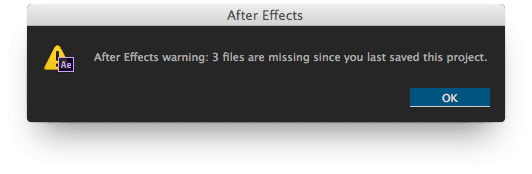
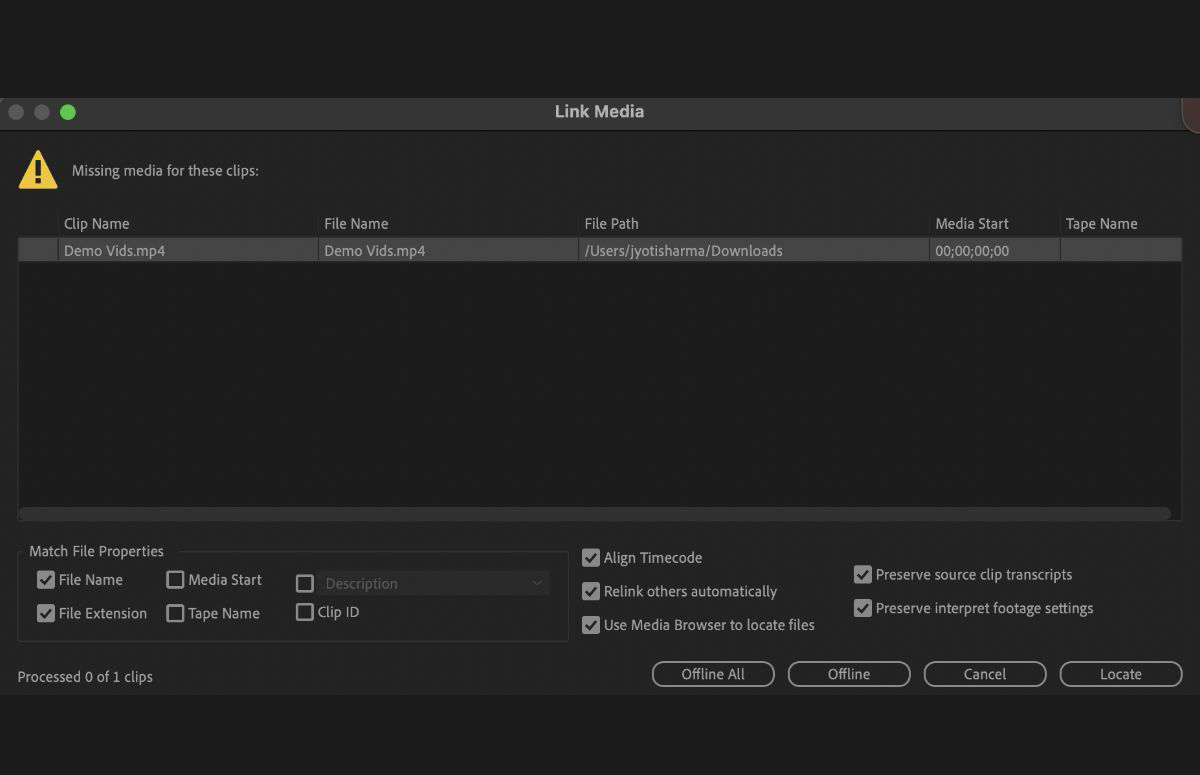
Resolve missing assets before collection, or fix links in place. Review matches across your batch and reconnect your projects. No creative app needs to be opened.
 SourceCollectFix links− □ ×
Illustrative demo: choose After Effects, Premiere Pro or Blender to watch missing files being matched, linked and fixed before collection. No creative apps need to be installed or opened.
Preview the batch. Choose what stays.
Inspect assets, resolve missing files, and collect only what you need.
Coming soon Reduce to scenes in Blender, and artboards in Photoshop and Illustrator.
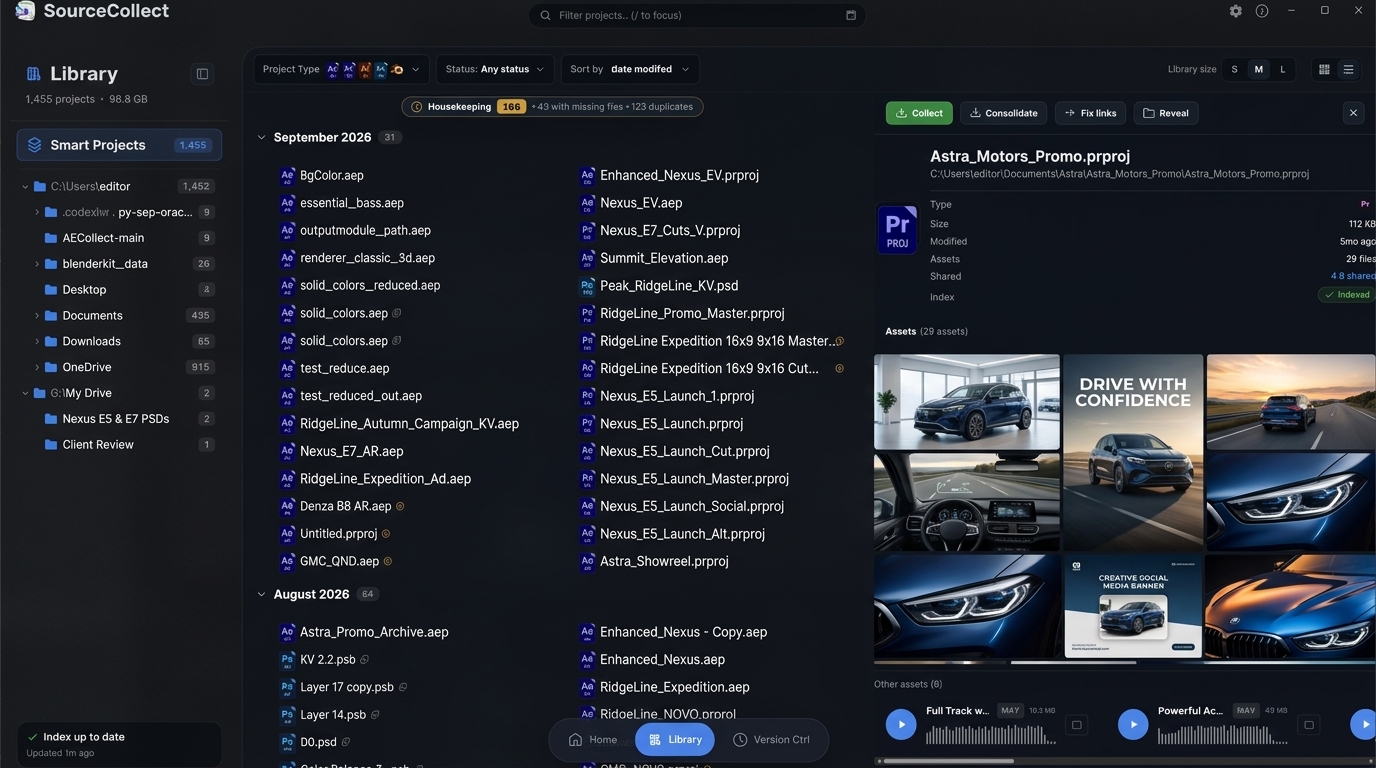
Recognize the project. Hover to preview what’s inside.
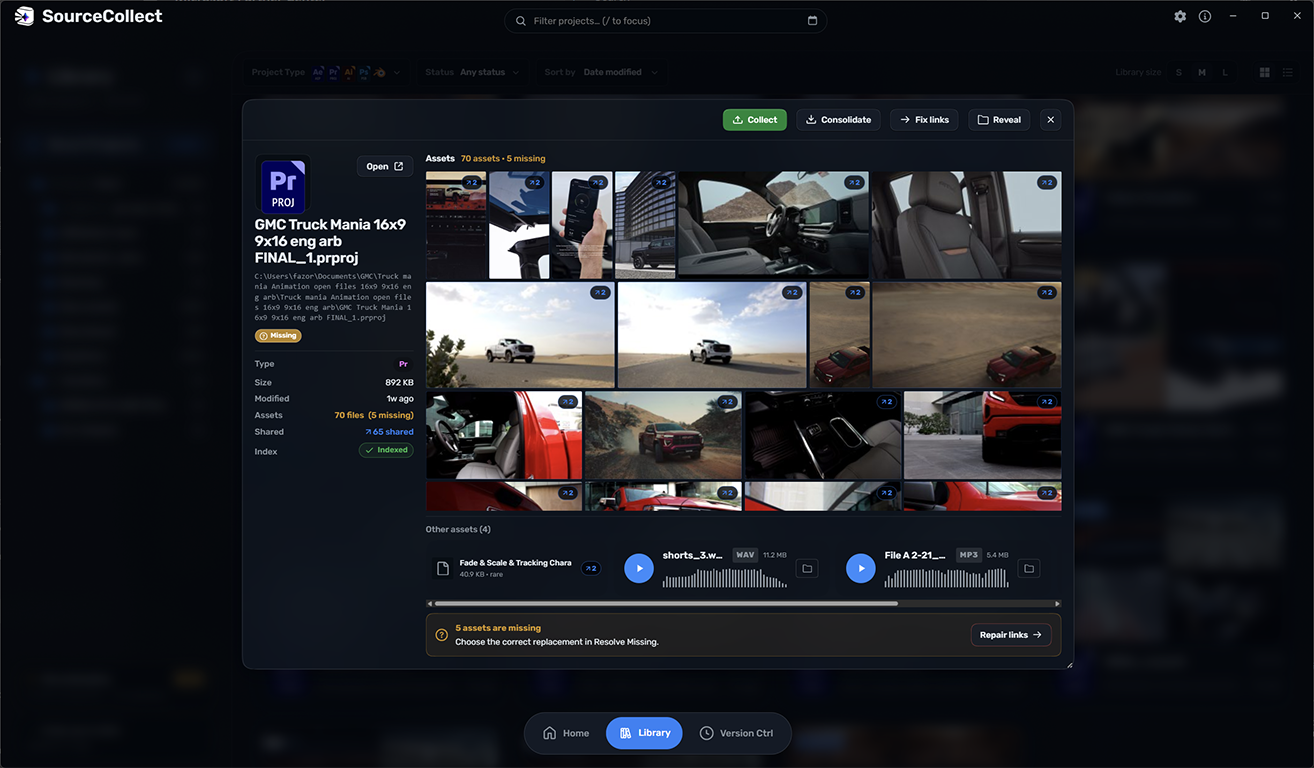
See which projects share an asset before you move it.
Keep shared assets connected to every project.
Reconnect missing files where you work.
See link repair in action ↑Bring versions together. Hand over the right one.
Whole batches. No creative apps to launch.
 Z
Z